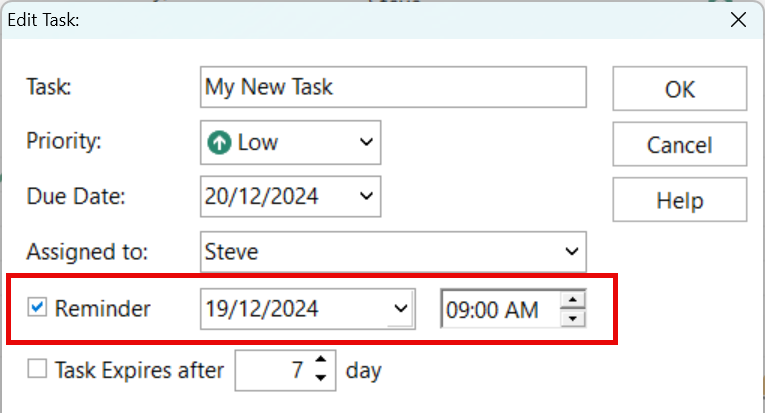
So that you don't forget a task on your ToDo List, you can set a reminder for the task.
When the reminder triggers a reminder window slide in from the right-side of the desktop. If you have it set to Auto Close, it will display for the number of seconds specified and then close (see Settings). You can also close it by clicking the X button.
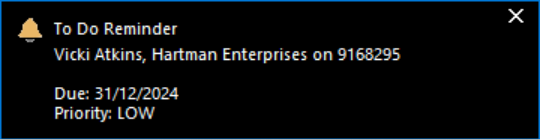
The reminder will reappear until you mark the task as completed, or remove the reminder. You can set it to not appear again if you close it.