When you purchase MessageSender you will receive your license details by email. You can license MessageSender by clicking the License button.
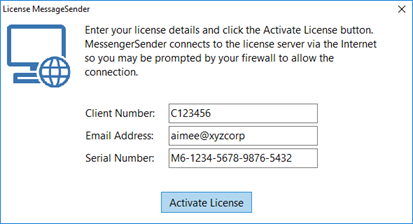
Enter your license details into the fields as show above, then click the Activate License button.
MessageSender will connect to the license server over the Internet and download your license and install it. A message should be displayed once this has been completed.
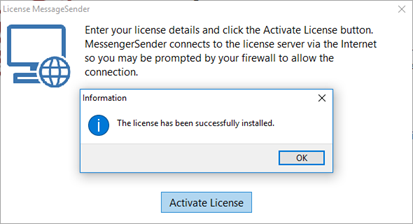
Once you click OK you will be returned to the MessageSender view in Control Center.
You can then check your license by clicking the License button again.
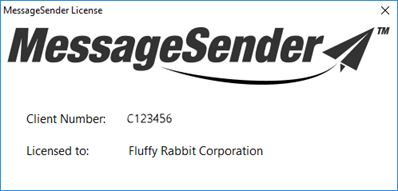
This time details of your license should be displayed.