The Caller ID Service is specificially for use with CallerID.com devices, available from www.callerid.com. This service is not installed by default so you will need to install it if required.
Select Caller ID Service to manage the Caller ID service.
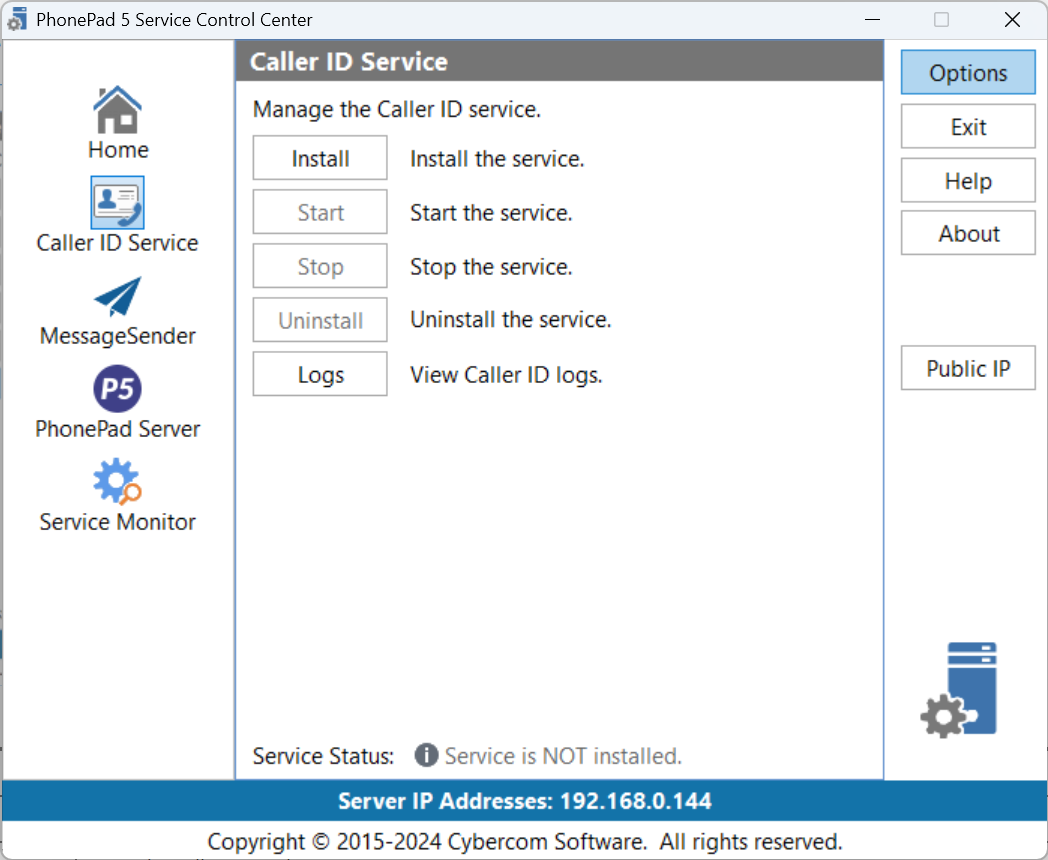
Install |
Installs the Caller ID service. |
Start |
Starts the Caller ID service. |
Stop |
Stops the Caller ID service. |
Uninstall |
Uninstalls the Caller ID service. |
Logs |
Opens the Log Viewer and displays the Caller ID logs. |
|
If you get an Access Denied error when trying to install or start the service, close the Control Center. Find the ControlCenter application in the folder you installed the server in, right-click on it, and then select Run as Administrator. |
