The Home or Overview screen shows the current status of all services along with their version numbers.
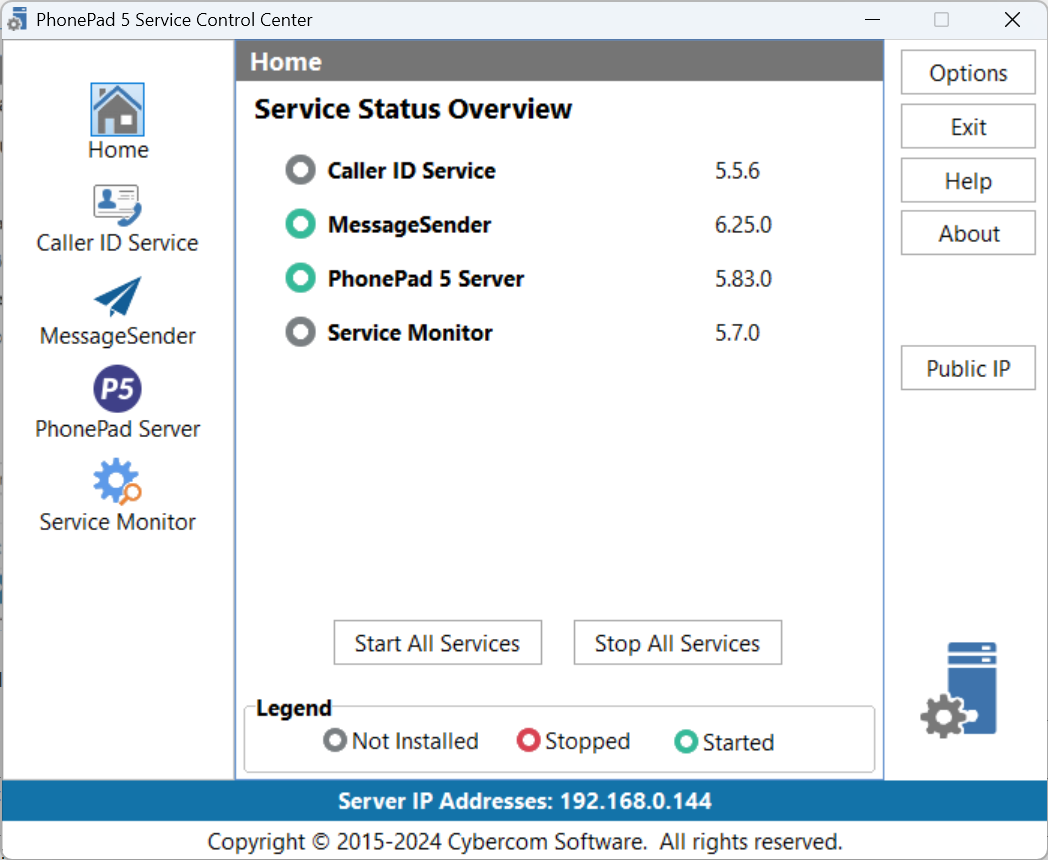
Each service will have a colored icon indicating its status:
|
The service is running. |
|
|
The service is installed but not running. |
|
|
The service is not installed. |


The IP Address of the Server or Host PC is displayed at the bottom part of the application window.
Control Center provides the ability to individually control each service, but you can all control all services at once by using the Start All Services and Stop All Services buttons.
You can also start and stop individual services using the Windows services.msc snap-in control service, however, you will find that Control Center provides a more convenient and easier to use way to do this.
To manage a service, select it from the list on the left or click on it's name under Service Status Overview.