To view all of your Events, follow these steps:
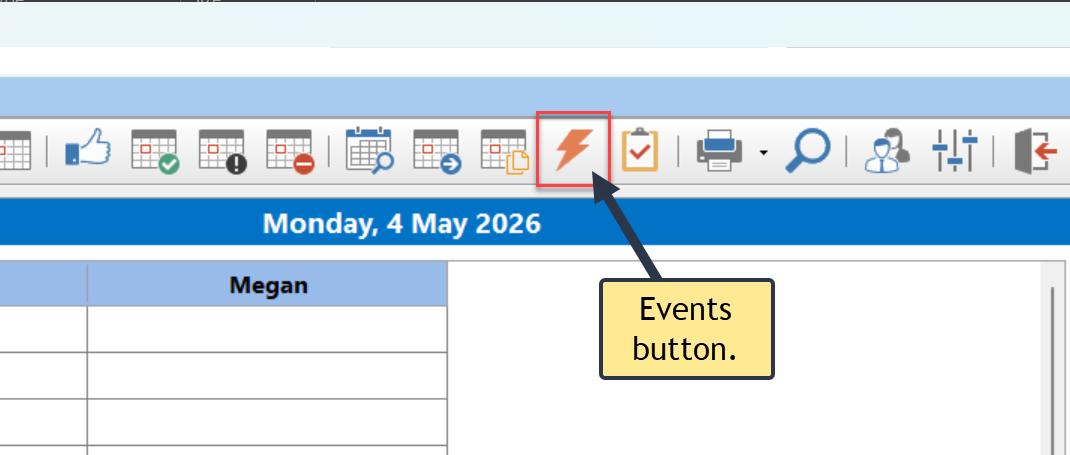
1.Click the Events button on the Home toolbar, or select Events from the File menu.
2.The Events window will appear.
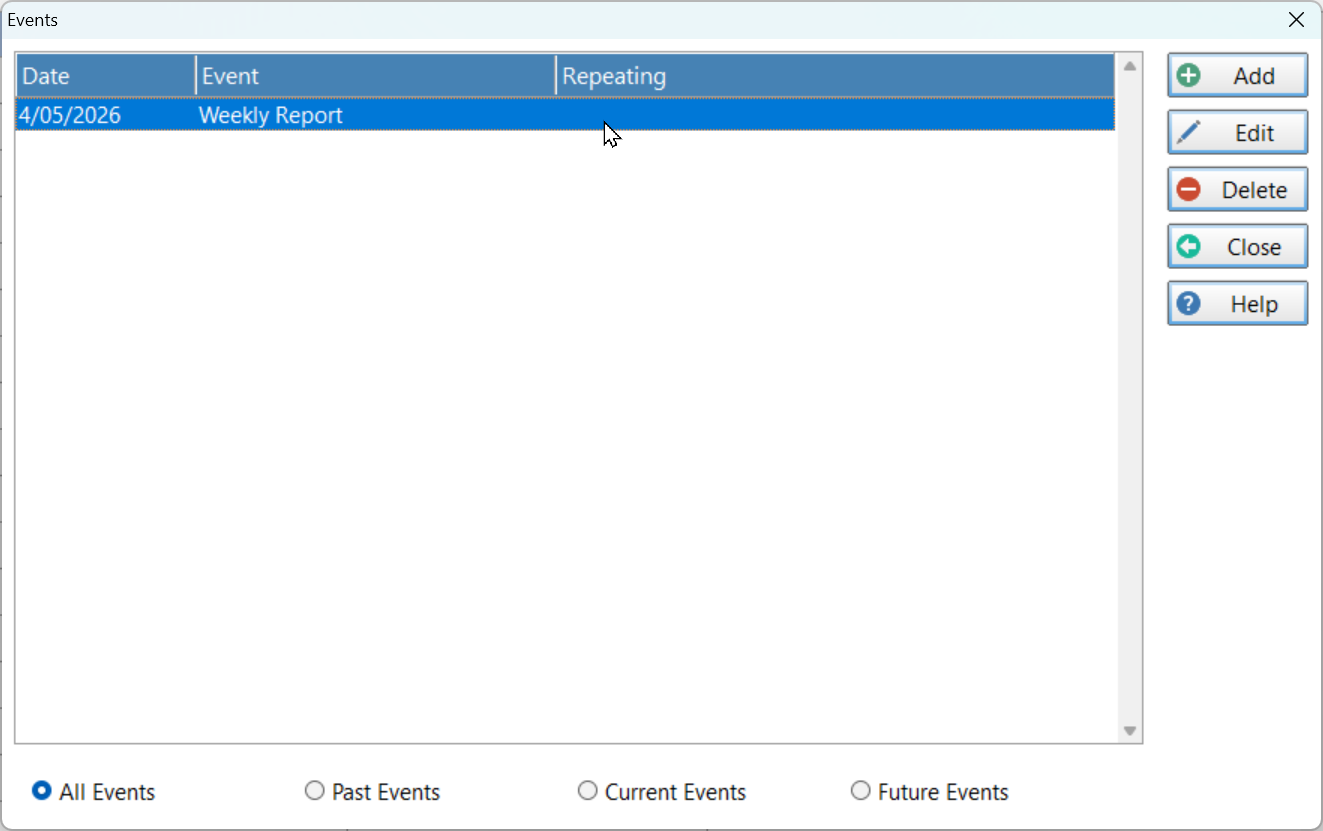
3.At the bottom of the window are 4 radio buttons that can be used to filter the events.
All Events |
Display all events.
|
Past Events |
Only show events from the past.
|
Current Events |
Show today's events.
|
Future Events |
Show all events that are in the future. |