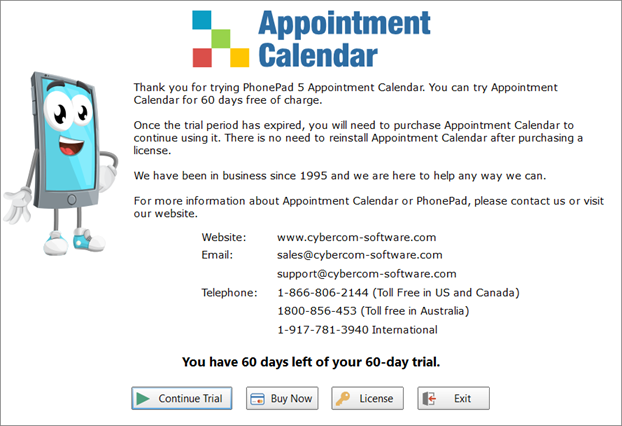
If you are trialing Appointment Calendar then the following screen will appear.
Continue Trial |
Click Continue Trial to continue using Appointment Calendar. This button will be disabled once your trial period expires.
|
Extend Trial |
Need more time to trial Appointment Calendar? No problem. The Extend Trial button will become enabled 3 days before your current trial expires. You can extend you trial for another 30 days. This can be done twice. If you have problems extending your trial please contact support@cybercom-software.com and we'll get it sorted out for you.
|
Buy Now |
Click Buy Now to go to the Buy Now page on our website where you can purchase Appointment Calendar.
|
License |
Click License to license your copy of Appointment Calendar using the details you receive after purchasing it.
|
Exit |
Click Exit to closes the trial screen and Appointment Calendar. |
Click the Continue Trial button to continue opening Appointment Calendar.