The Providers list shows all of the calendars you have access to. Access is set up by your PhonePad System Administrator.
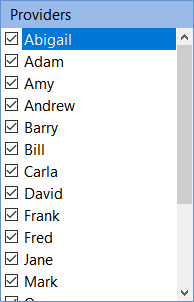
You can hide a Provider's calendar by unchecking the checkbox next to their name.
|
In Day View where the Provider calendars don't all fit on the screen, you can either scroll to their calendar, or click on their name in the Providers list to jump straight to their calendar. |
