To edit an Event, follow these steps:
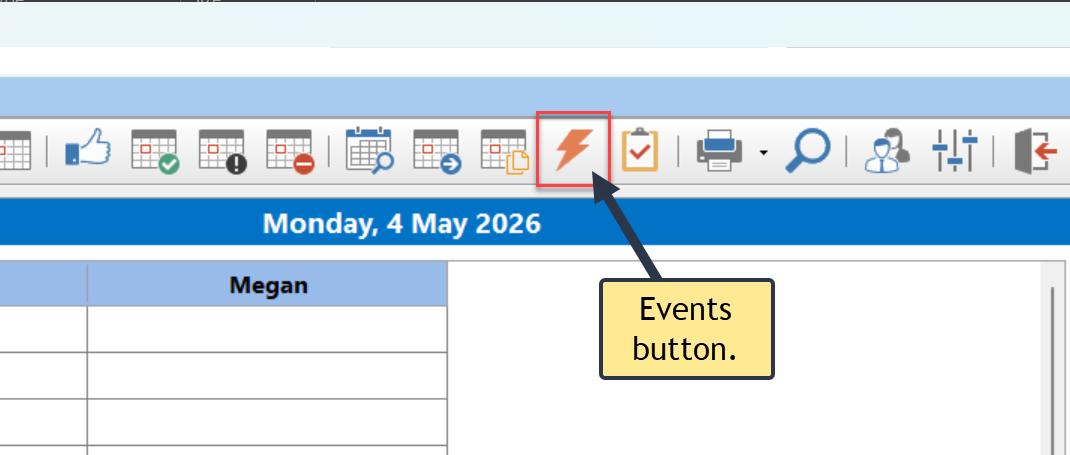
1.Click the Events button on the Home toolbar, or select Events from the File menu.
2.The Events window will appear.
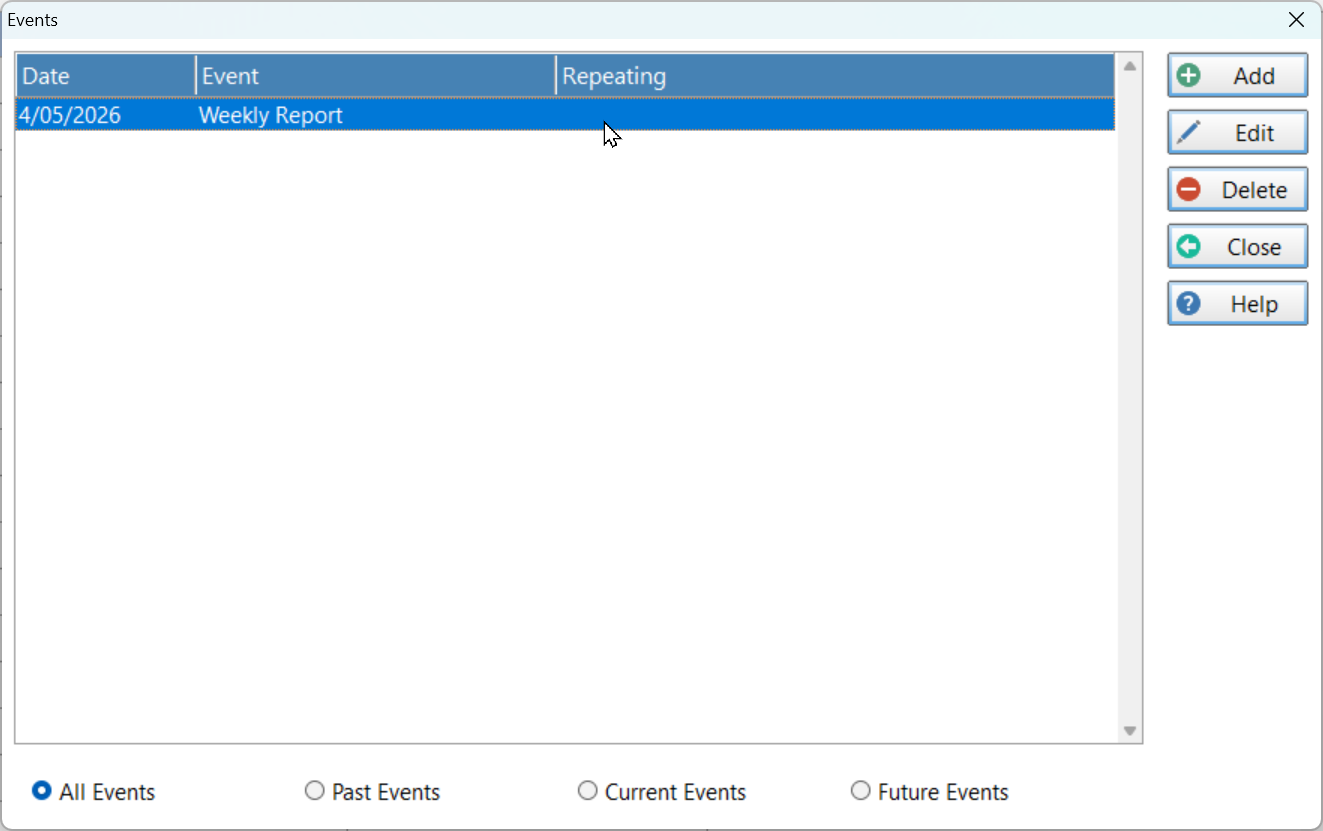
3.Select the event and click the Edit button.
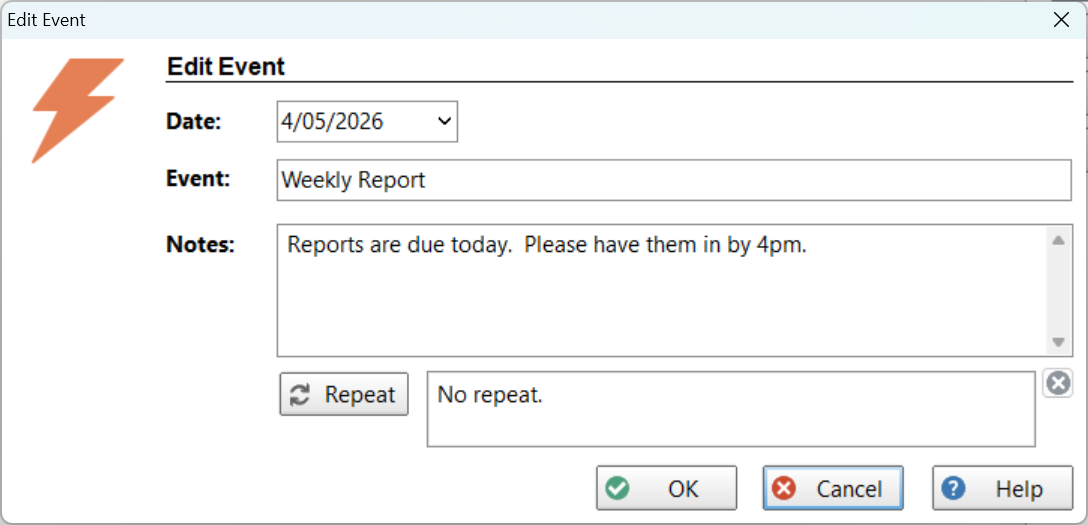
4.Make the required changes and click the OK button.